 SEO & Accessibility
 AI
AI Localization
 Ecommerce
 Forms
Forms Fields
 Development
 Security
 Templating
 Performance
 Control Panel
 Widgets
 Assets
 Utilities
 Mailer Adapters
 Social Networking
 Integrations
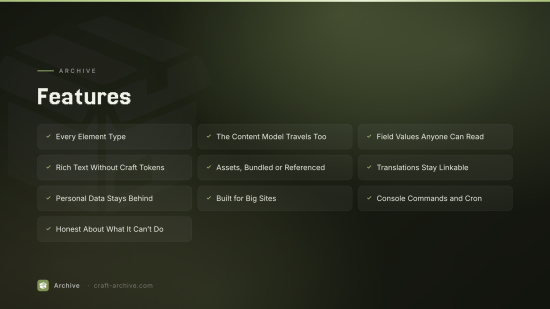
Export everything on a Craft site into a portable bundle, so the content can move to any other platform.
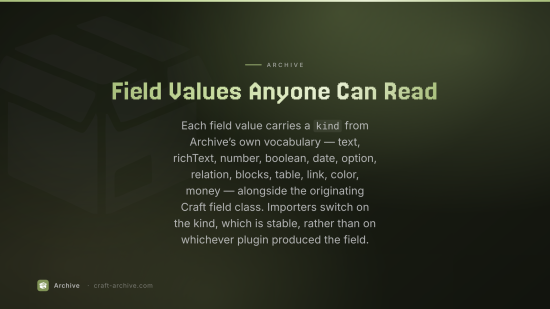
Archive packages entries, assets, relations, users and the site's own structure into a ZIP containing a single master data file — JSON, XML, CSV, YAML or NDJSON — plus the asset files themselves. Nothing in a bundle needs Craft to read it.
Using it
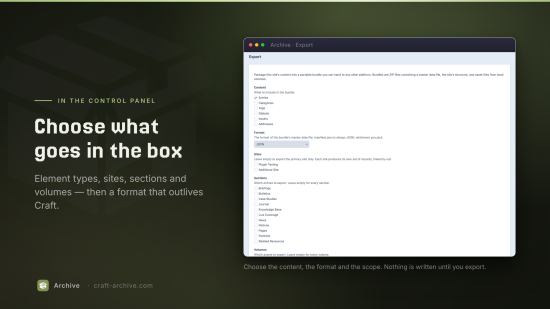
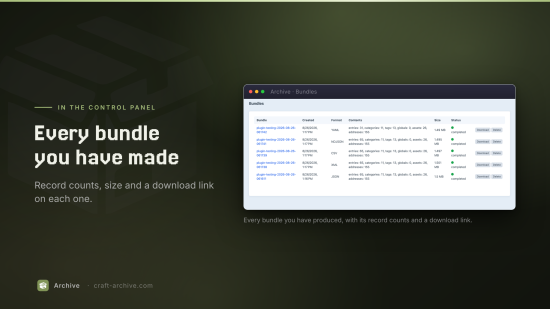
Archive → Export in the control panel. Choose what to include, pick a format, and hit Create bundle. The result lands under Archive → Bundles, where you can download or delete it.
Every bundle contains:
manifest.json : what this bundle is, what's in it, and anything Archive couldn't represent losslessly. Always JSON, whichever format you picked.
README.txt: the same thing in plain language.
data/: the master data file — metadata, the site's structure, and every record.
assets/: asset files, laid out as assets/<volume>/<folder>/<filename>.
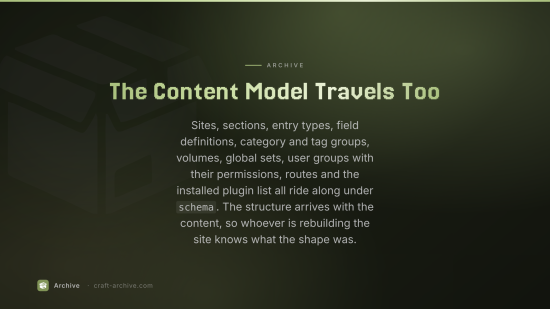
The site's structure — sites, sections, entry types, field definitions, groups, volumes, routes and the installed plugin list — travels inside the data file under schema, so the content model arrives with the content. Filesystems are described by name and type only: their settings are never exported, because that's where cloud credentials live.
Formats
| Format | Output | Good for |
|---|---|---|
| JSON | data/archive.json | the canonical, lossless master file |
| NDJSON | data/archive.ndjson | huge sites — one object per line, nothing to hold in memory |
| XML | data/archive.xml | systems that speak XML; rich text is preserved in CDATA |
| YAML | data/archive.yaml | reading or hand-editing the model before an import |
| CSV | data/csv/*.csv + schema/*.csv | spreadsheets and simple importers |
CSV can't nest, so it gets one file per record type, a relations.csv join table, and the schema in its own directory. Values that won't flatten are JSON-encoded into their cell. docs/FORMAT.md documents the conventions.
The full specification is in docs/FORMAT.md.
From the command line
php craft archive/export
php craft archive/export --types=entries,assets --format=csv
php craft archive/export --sites=default,fr --sections=news --name=news-only
php craft archive/export --queue          # hand it to the queue instead

php craft archive/bundles                 # list them
php craft archive/bundles/prune           # apply the retention settings
php craft archive/bundles/delete 4
Big sites
Exports stream. Records are spooled to disk as they're collected and written back one at a time, so memory stays flat however large the site is — 50,000 records add no measurable memory over Craft's own footprint. There's a Run in the background option on the export screen (and --queue on the console command) for exports that would otherwise outlast a web request.
Assets
Files on local volumes are copied into the bundle. Files on remote filesystems — S3, DigitalOcean Spaces, Google Cloud Storage — are referenced by URL and not downloaded, so a bundle for a site with tens of gigabytes of cloud media is still small enough to hand someone. Every asset reference says which it is:
{ "uid": "…", "filename": "hero.jpg", "url": "https://…/hero.jpg",
  "bundled": true, "path": "assets/images/hero.jpg" }
bundled: false means fetch it from url. You can override this per export if you do want the bytes, and there's a size limit above which files are referenced rather than copied.
What gets exported
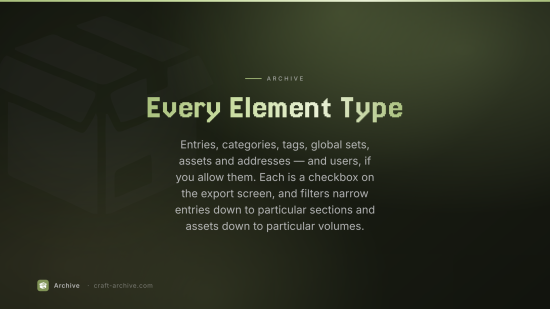
Entries, categories, tags, global sets, assets, addresses — and users, if you allow them. Each is a checkbox on the export screen, and the sections and volumes filters narrow down entries and assets respectively.
Records for the same element in different sites share a uid and differ by site, so translations stay linkable without nesting. Users and addresses have no per-site content in Craft, so their records carry no site keys at all.
Users
User accounts are not exported unless you turn them on in the settings, because a bundle is a downloadable ZIP full of personal data. Until you do, users don't even appear as an option on the export screen, and addresses belonging to a user account are held back too — addresses owned by anything else, like an address field on an entry, travel as ordinary content.
Password hashes are never exported, whatever that setting says.
Archive vs Transport
Transport moves content between Craft environments and is built to be re-imported by Craft, with dependency resolution, conflict review and rollback. Archive goes the other way: one direction, no import, and an output format designed for systems that aren't Craft.
To install this plugin, copy the command above to your terminal.
This plugin doesn't have any reviews.