 SEO & Accessibility
 AI
AI Localization
 Ecommerce
 Forms
Forms Fields
 Development
 Security
 Templating
 Performance
 Control Panel
 Widgets
 Assets
 Utilities
 Mailer Adapters
 Social Networking
 Integrations
e-Računi for Commerce
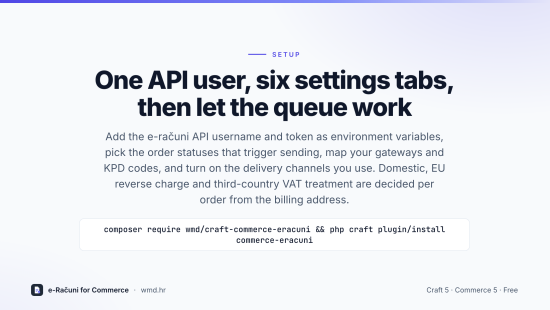
e-Računi for Commerce turns Craft Commerce orders into sales invoices on e-računi.hr with the Croatian specifics built in: fiscalised (F1) retail invoices for cash-like payments, KPD classification codes per line, and e-invoice delivery to businesses over AS4 and to public-sector buyers over FINA.
What it does
- Creates exactly one e-računi sales invoice per order when the order reaches a status you choose (optionally only once paid), through a queue job with per-install serialisation and safe retries.
- Resolves the VAT treatment from the billing address and tax ID: domestic, EU reverse charge (with a validated EU VAT ID), EU consumer, third-country business or consumer. Croatian OIBs are checksum-validated.
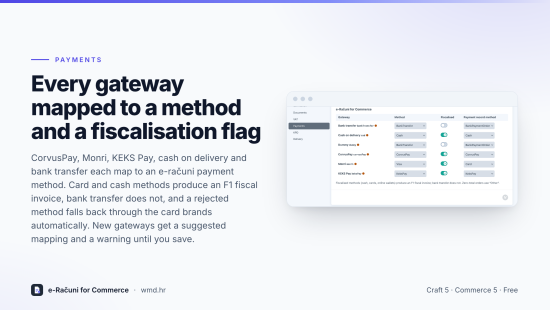
- Maps every installed payment gateway to an e-računi payment method and fiscalisation flag, with an automatic fallback chain when e-računi rejects a method.
- Sends KPD codes from a product or variant field, per-product-type defaults and a shipping KPD.
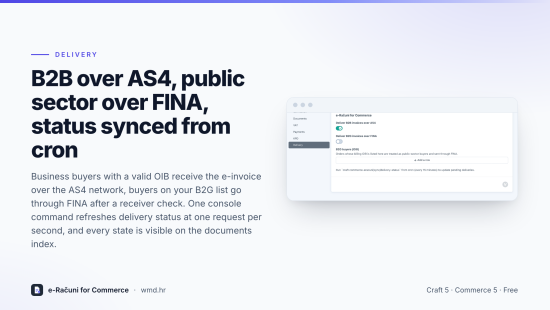
- Downloads the invoice PDF, records the payment for paid orders, delivers B2B invoices over AS4 and B2G invoices over FINA, and keeps delivery status in sync from cron.
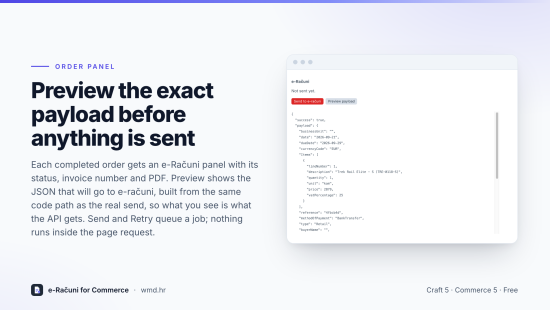
- Control panel: a panel on every completed order (status, invoice number, PDF, Preview payload, Send, Retry), a documents index with filters, and settings tabs for Connection, Documents, VAT, Payments, KPD and Delivery.
- Console:
commerce-eracuni/sync/status,sync/order,sync/backfill --dry-run,sync/retry,sync/delivery-status. - Twig:
craft.commerceEracuni.documentForOrder(order)for account pages and order emails.
Requirements
Craft CMS 5.3+, Craft Commerce 5.0+, PHP 8.2+, and an e-računi.hr account with API access (username and token).
Notes
The rules were ported from an integration that has issued thousands of invoices in production. Fiscalisation applies to cash-like payment methods only; bank transfer invoices are not fiscalised. B2B e-invoicing over AS4 is mandatory in Croatia since 1 January 2026. Confirm KPD codes and VAT settings with your accountant.
To install this plugin, copy the command above to your terminal.
This plugin doesn't have any reviews.