 SEO & Accessibility
 AI
AI Localization
 Ecommerce
 Forms
Forms Fields
 Development
 Security
 Templating
 Performance
 Control Panel
 Widgets
 Assets
 Utilities
 Mailer Adapters
 Social Networking
 Integrations
Craft Analytics
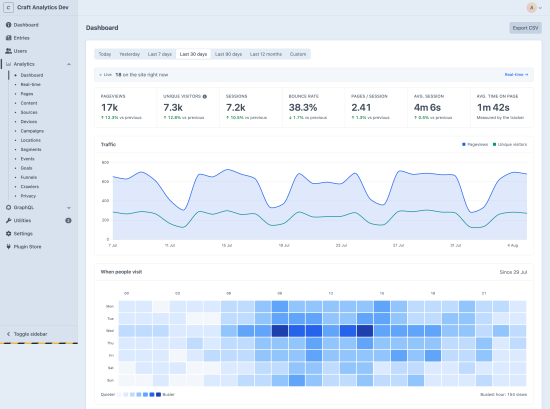
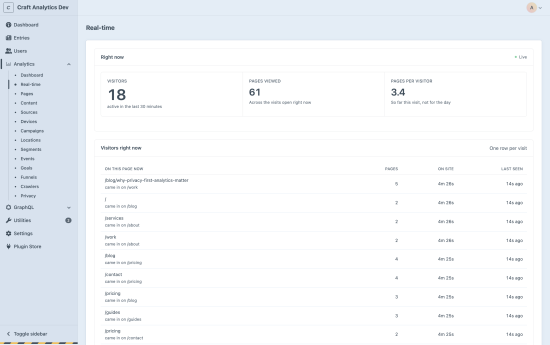
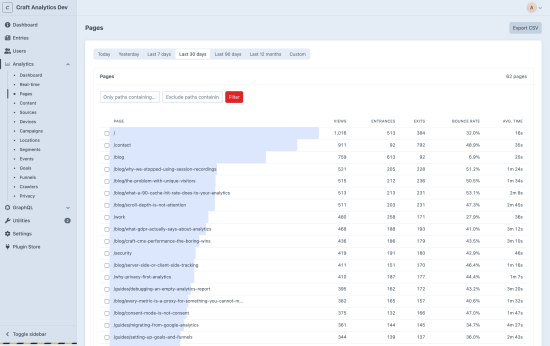
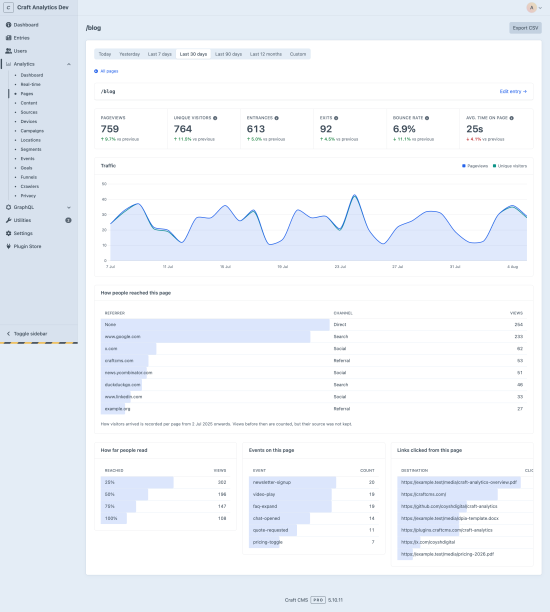
Craft Analytics
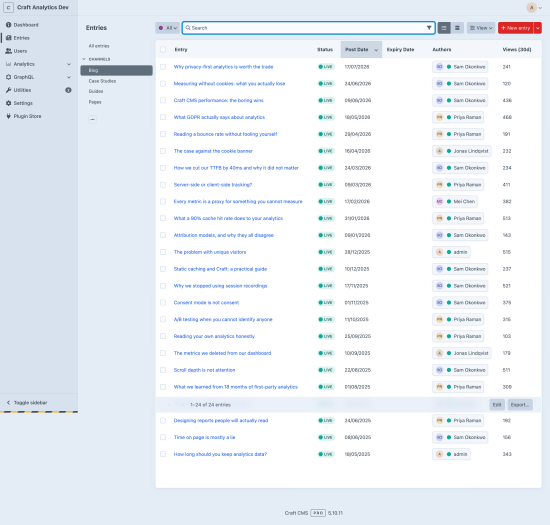
Our aim was to build an analytics plugin that is lightweight, privacy-focused, and feature-rich, with GDPR compliance at the heart of its design. Craft Analytics is first-party and cookieless by default, with no added time-to-first-byte and storage that does not grow with your traffic.
Everything runs on your own server: no account, no CDN script, and no data sent anywhere.
This started life as a plugin for some of our own sites, so it's been around for a while now. Having leaned on it day to day, we decided it was worth releasing to everyone.
What it does differently
- No cookies, so no banner. Visitors are counted with a hash built from a salt that is replaced every 24 hours. Nothing is stored on the device.
- No IP addresses. The address is used in memory to compute the hash and then dropped. It is never written to a table, a log or a cache key.
- No per-visitor records. The database holds counts, so there is nothing to hand over, delete or leak.
- No effect on page speed. Capture happens after the response is flushed.
- Storage that does not grow with traffic. A page viewed a million times takes the same one row as a page viewed twice. Growth is cardinality × time.
- Accurate behind a cache. Blitz, Cloudflare and Varnish are all handled, with no cache configuration.
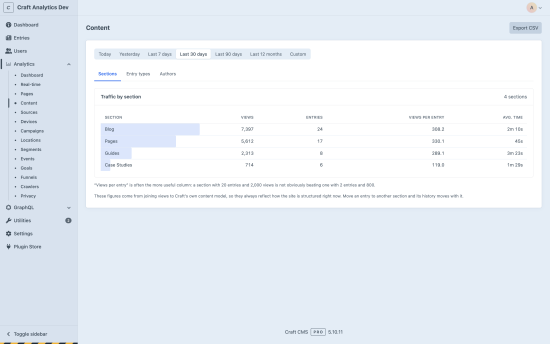
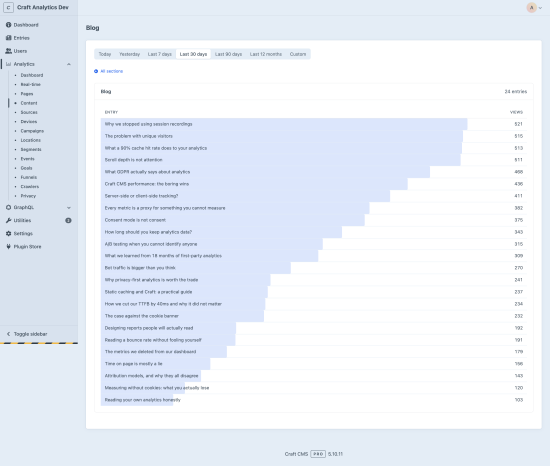
- Reports built on your content model. Traffic by section, entry type and author, because Craft already knows all of that.
Requirements
- Craft CMS ^5.0
- PHP ^8.2
- MySQL 8+ or PostgreSQL 13+
- Redis recommended (session hot layer, faster unique counting), not required
Installation
composer require coyshdigital/craft-analytics
php craft plugin/install craft-analytics
Then install these cronjobs (optional but reccomended):
*/5 * * * * php craft craft-analytics/drain/run
0 4 * * *   php craft craft-analytics/gc/run
Full instructions: Installation & setup
Before you compare the numbers
Unique visitors are counted on a daily-unique basis. Somebody who visits on three days counts three times, because the hashing salt rotates every 24 hours and removes the link between their days.
How visitors are counted explains it in full.
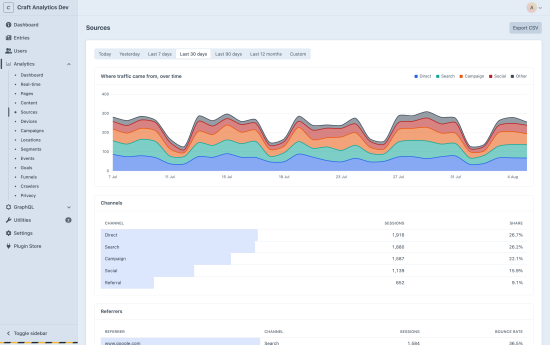
Sources lean on the server seeing the request. The referrer is read when PHPrenders the page; the beacon deliberately never sends one, because a browser-supplied referrer is forgeable. Behind a full-page cache, sessions thatenter on a cached page are reported as Direct. Pageview counts are unaffected, and so are UTM campaigns, which travel in the URL - so behind an aggressive cache, tag the inbound links you care about.
Static & edge caching has more details.
Documentation
The full documentation lives at coysh.digital/plugins/craft-analytics/docs.
- Installation & setup
- How tracking works
- Static & edge caching - read this if you run Blitz or a CDN
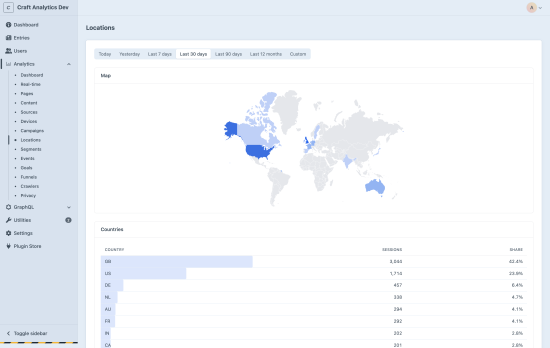
- Locations & the geo database
- How visitors are counted
- Twig API and GraphQL API
- Troubleshooting
Lite vs Pro
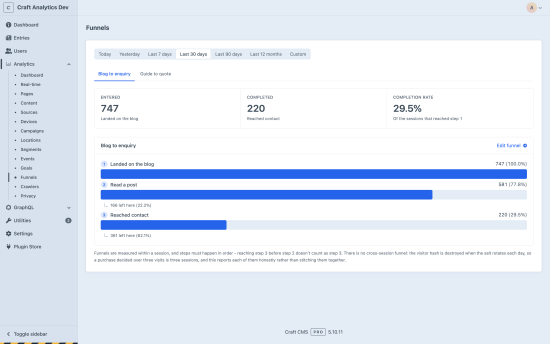
Lite is a usable analytics tool on its own, not a trial of Pro. Pro only gives you access to better integrations and goals/funnels.
| Lite | Pro | |
|---|---|---|
| Pageviews, visitors, sessions, bounce rate | ✅ | ✅ |
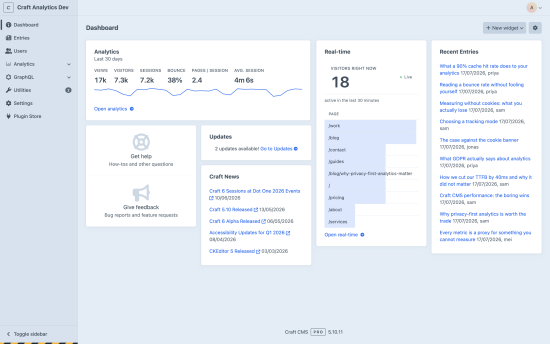
| Real-time | ✅ | ✅ |
| Pages, sources, devices | ✅ | ✅ |
| Content: sections, entry types, authors | ✅ | ✅ |
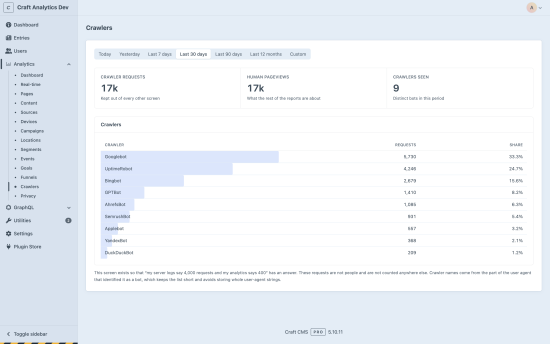
| Crawler reporting | ✅ | ✅ |
| CSV & JSON export | ✅ | ✅ |
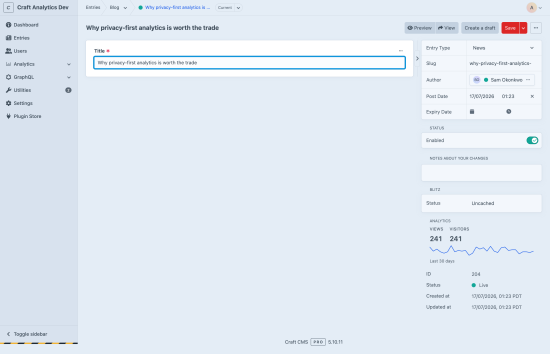
| Entry sidebar & dashboard widgets | ✅ | ✅ |
| Campaigns & attribution | ✅ | |
| Geography | ✅ | |
| Events, outbound clicks, downloads, scroll | ✅ | |
| Goals & funnels | ✅ | |
| Formie & Commerce integrations | ✅ | |
| Consent-aware Tier 2 | ✅ | |
| Emailed summaries | ✅ | |
| GraphQL API | ✅ |
Lite
Pro
Plus $39/year after one year.
To install this plugin, copy the command above to your terminal.