 SEO & Accessibility
 AI
AI Localization
 Ecommerce
 Forms
Forms Fields
 Development
 Security
 Templating
 Performance
 Control Panel
 Widgets
 Assets
 Utilities
 Mailer Adapters
 Social Networking
 Integrations
SkynetAccessibility Video Subtitle
SkynetAccessibility Video Title
Publish Captioned Video Content with AI-Powered Subtitles
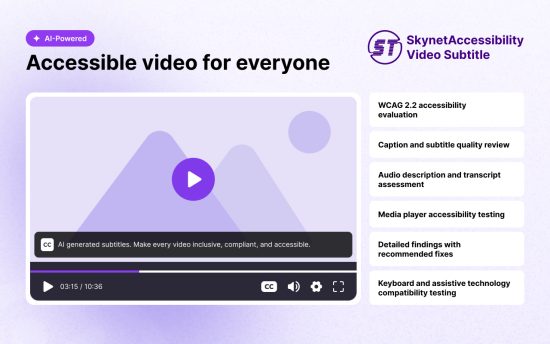
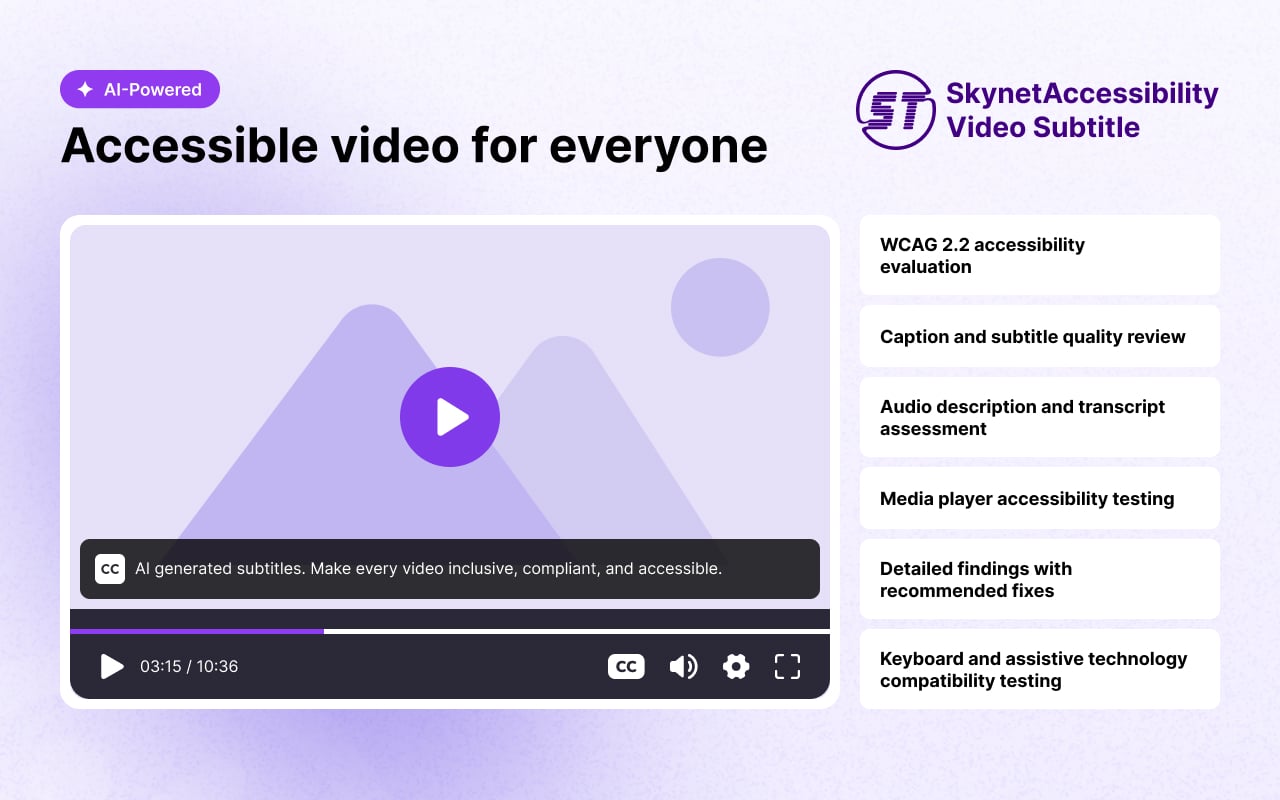
SkynetAccessibility Video Title is an AI-powered video accessibility plugin for Craft CMS that automatically generates synchronized subtitles for website videos using advanced speech recognition.
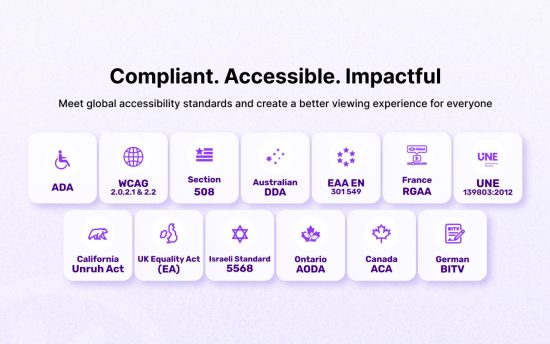
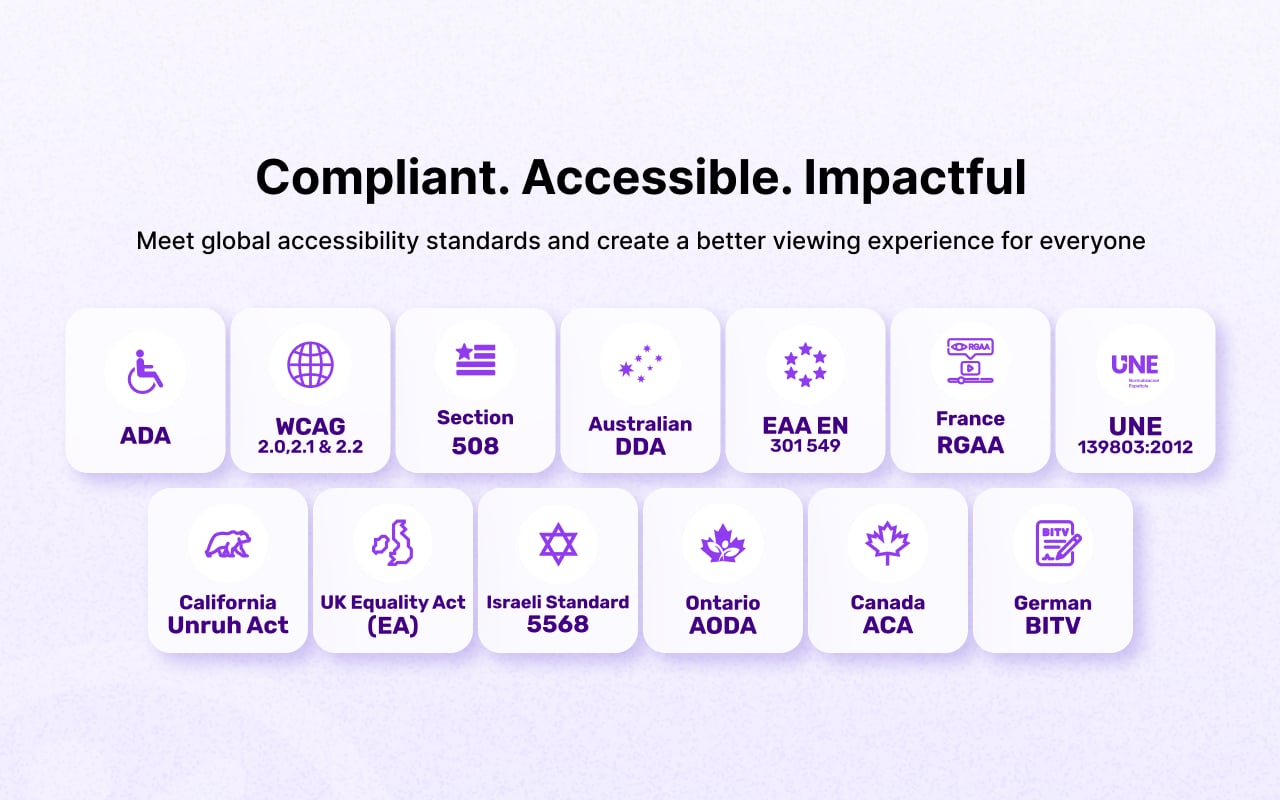
Improve the accessibility of website videos by automatically generating synchronized subtitles using AI-powered speech recognition. It integrates with Craft CMS, making it easier to publish accessible multimedia content without manually creating captions. Supports accessibility initiatives aligned with WCAG 2.1, 2.2, ADA, Section 508, and EAA EN 301 549, where applicable.
Features
- Quick subtitle processing
- Compatible with YouTube, Vimeo, and self-hosted video platforms
- Audio and video summary report
- Simple installation and configuration
- Support for existing and newly published videos
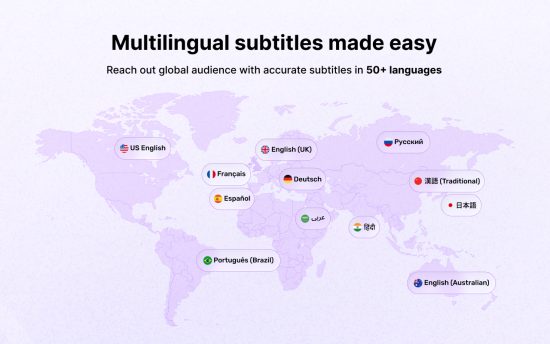
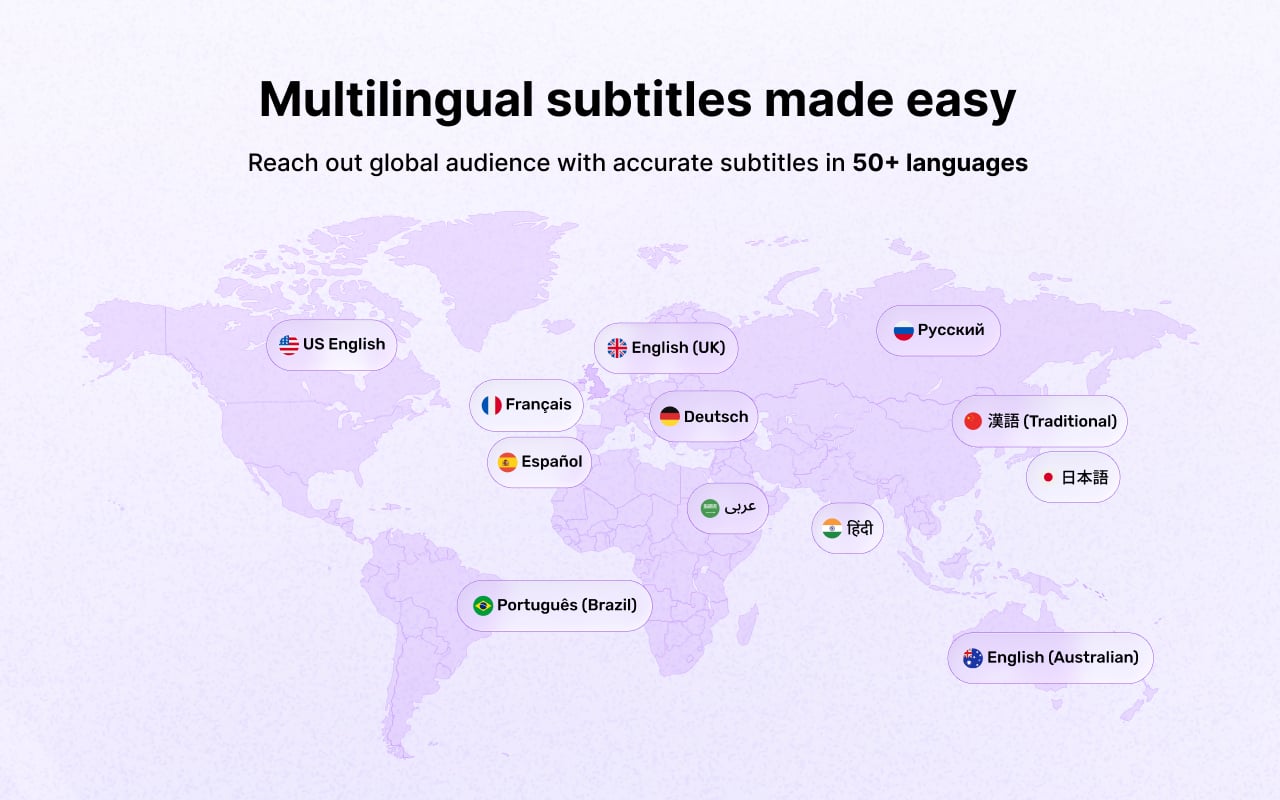
- Supporting over 50+ multi-languages
- Unlimited video subtitle processing throughout the selected plan
Ideal For
Blog videos, news videos, tutorials, landing page videos, announcements, interviews, webinars, and embedded media.
Pricing and Plans
| Total Video Playback Time | Price / Month |
|---|---|
| Up to 10 Minutes | $25.00 |
| Up to 25 Minutes | $39.00 |
| Up to 100 Minutes | $99.00 |
| Up to 200 Minutes | $139.00 |
Note: Unlimited number of video subtitle processing is available within the selected plan's total playback time.
Installation
Follow the steps below to install the SkynetAccessibility Video Subtitle module for Craft CMS.
Prerequisites
- Craft Version 5*
1. Open your project root directory
Make sure you are in the root folder of your Craft CMS project.
2. Require the module via Composer
Run the following command in your terminal:
composer require skynettechnologies/craft-skynet-accessibility-videosubtitle
php craft plugin/install craft-skynet-accessibility-videosubtitle
### CORS Policy Configuration
To avoid CORS policy issues, ensure the following URLs are allowed in your website. These URLs should be added to your CORS configuration or trusted domains list.
| **Domain** | **Description** | **Usage** |
| ---------------------------------- | ----------------------------------- | -------------------------------------------- |
| `https://*.skynettechnologies.com` | Skynet Technologies (Global Domain) | API access and resources |
| `https://*.skynettechnologies.us` | Skynet Technologies (US Domain) | API access and resources |
| `https://img.youtube.com` | YouTube Thumbnail Service | Loading YouTube video thumbnail images |
| `https://www.youtube.com` | YouTube | Embedded YouTube video playback (iframe) |
#### Instructions
1. Update your server's CORS configuration to include these URLs.
2. Ensure wildcard subdomains (*) are supported where necessary.
3. Verify the application functionality by testing requests to these domains.
4. If issues persist, consult the documentation for CORS configuration guidance.
### Screenshots
### Support Options
**Submit a Support Request**
Please visit our [support page](https://www.skynettechnologies.com/report-accessibility-problem) and fill out the form. Our team will get back to you as soon as possible.
**Send Us an Email**
Alternatively, you can send an email to our support team: [hello@skynettechnologies.com](mailto:hello@skynettechnologies.com)
### Accessibility Partnership Opportunities
#### **[Accessibility Agency Partnership](https://www.skynettechnologies.com/agency-partners)**
Partner with us as an agency to provide comprehensive ADA, EAA, WCAG accessibility solutions to clients. Get access to exclusive resources, training, and support to implement and manage accessibility features effectively.
#### **[Accessibility Affiliate Partnership](https://www.skynettechnologies.com/affiliate-partner)**
Sign up for our affiliate program and earn commissions by promoting accessibility Craft CMS plugin. Share our widget with your network and help businesses improve their website accessibility while generating revenue.
For more details, explore **[Accessibility Partnership Opportunities Page](https://www.skynettechnologies.com/partner-program)**.
#### Credits
This addon is developed and maintained by [website accessibility company](https://www.skynettechnologies.com/) - Skynet Technologies USA LLC
#### Current Maintainers
- [Skynet Technologies USA LLC](https://github.com/skynettechnologies)
To install this plugin, copy the command above to your terminal.
This plugin doesn't have any reviews.