 SEO & Accessibility
 AI
AI Localization
 Ecommerce
 Forms
Forms Fields
 Development
 Security
 Templating
 Performance
 Control Panel
 Widgets
 Assets
 Utilities
 Mailer Adapters
 Social Networking
 Integrations
Design Field
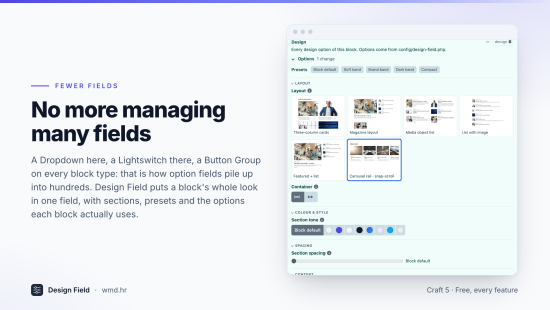
One field for every look option of a block. Tone, spacing, layout, columns, motion: instead of a Dropdown, a Lightswitch and a Button Group per option on every block type, each block gets one compact Design field, picked from named options you define once.
Why
- No more managing many fields. A block's whole look lives in one field, with sections, presets and only the options each block uses.
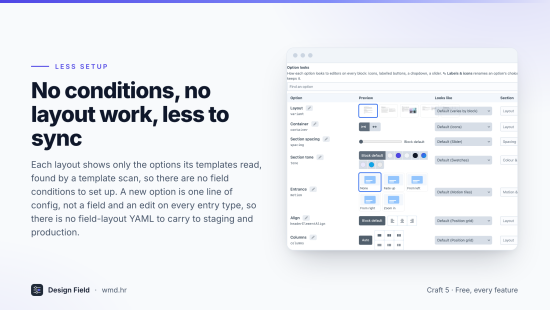
- No field conditions to set up. Each layout shows only the options its templates read, found by a template scan.
- No entry-type layout work, less to sync. A new option is one line in
config/design-field.php(or a row in the settings tables), not a field and an edit on every entry type, so no field-layout changes to carry to staging and production. - Built for AI agents.
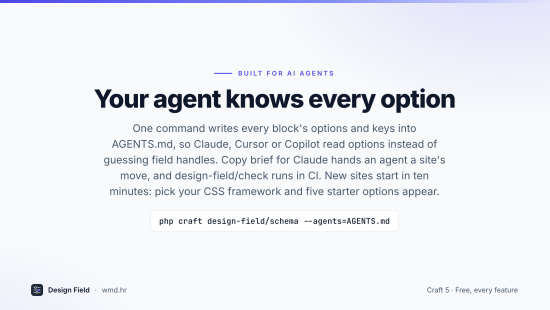
craft design-field/schema --agents=AGENTS.mdwrites every block's options and keys into your agents file, so Claude, Cursor or Copilot read options instead of guessing field handles.craft design-field/checkruns in CI.
What it does
- Stores keys (
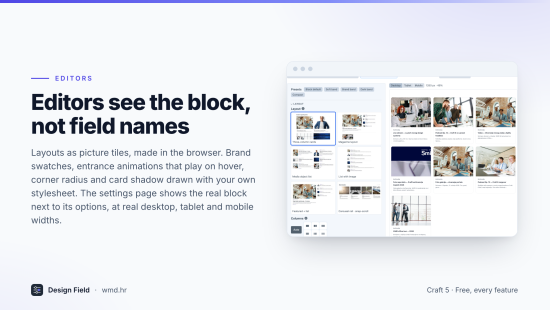
{"tone":"surface","columns":"4"}), never CSS: what a key means lives in config and templates, so Tailwind sees every class. - Looks for every option: labelled buttons, icons, dropdown, slider, toggle, chips, swatches, picture tiles of each layout, position grids, motion tiles that play the entrance, and rendered tiles drawn with your own stylesheet and brand.
- A settings page with the real block next to its options at desktop, tablet and mobile widths, presets, and looks set per option, per block or site-wide.
- Make tile pictures: layout pictures made in the browser from the live preview, nothing to install on the server.
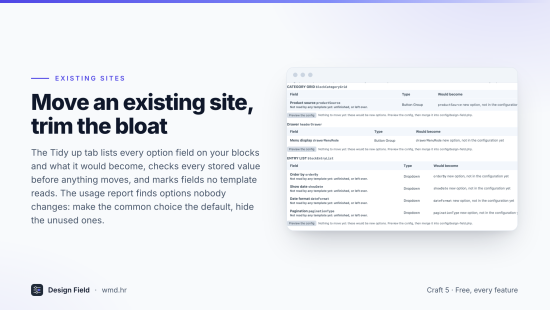
- Tidy up: lists the option fields already on your blocks and what each would become, moves them after checking every stored value, hands an agent a ready brief, and finds options nobody changes (make the common choice the default, hide unused ones, with Undo).
- Start here: Tailwind CSS, Bootstrap 5 or plain CSS starter options for a new site in one click.
- One reader,
craft.designField.of(block), works for the Design field, the option fields it replaces and mock data, so a site switches over one block at a time.
Setup
- Install the plugin, then open Settings → Plugins → Design Field and pick your CSS framework under Start here (or write
config/design-field.php). - Create a field of type Design and add it to your block entry types.
- In the block template:
{% set design = craft.designField.of(block) %}andclass="{{ design.classes('tone', 'spacing') }}". - Optional: copy
examples/block-preview.twigfor the live preview and tile pictures.
Sites with option fields already: open the Tidy up tab.
Price
Free, with every feature. If it saves you time, a review here helps most.
Installation Instructions
To install this plugin, copy the command above to your terminal.
Reviews
This plugin doesn't have any reviews.
Active Installs
1
License
MIT
Last release
October 29, 2026
Activity (30 days)
0
Closed Issues
0
Open Issues
0
Merged PRs
0
Open PRs