 SEO & Accessibility
 AI
AI Localization
 Ecommerce
 Forms
Forms Fields
 Development
 Security
 Templating
 Performance
 Control Panel
 Widgets
 Assets
 Utilities
 Mailer Adapters
 Social Networking
 Integrations
Know what will break before it breaks.
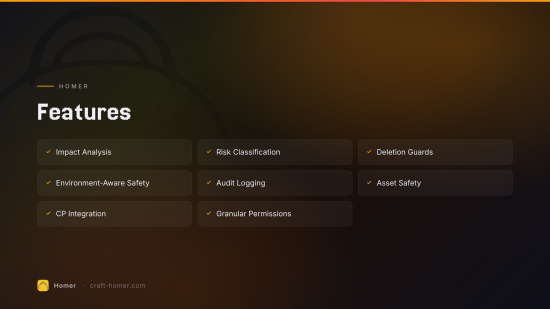
Features
Deletion Safety
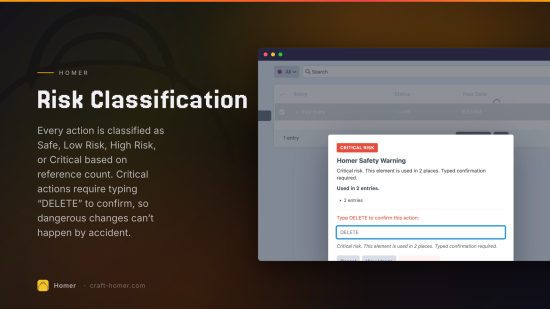
Before deleting an entry, asset, or category, Homer checks how many other elements reference it and classifies the risk:
- Safe — no references, safe to delete
- Low Risk — a few references, warning shown
- High Risk — many references, confirmation required
- Critical Risk — heavily referenced, typed confirmation (type DELETE) required
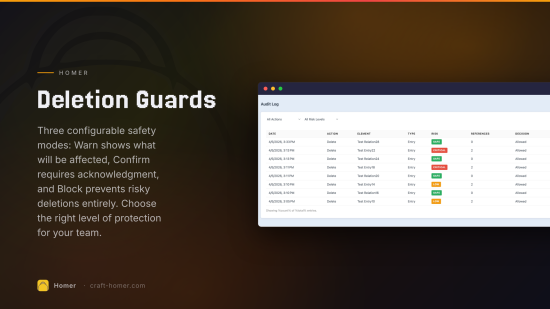
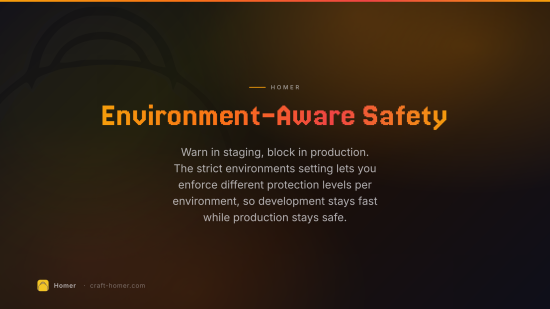
Homer can operate in three modes:
| Mode | Behavior |
|---|---|
| Warn | Show warnings but allow the action |
| Confirm | Require confirmation before risky actions |
| Block | Prevent risky actions entirely |
Relation Safety
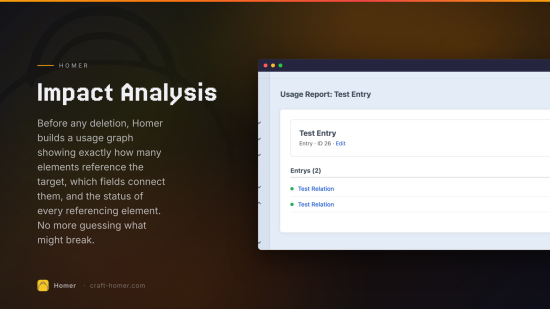
Homer builds a usage graph by querying the relations table. For any element, it can tell you:
- How many other elements reference it
- Which elements, through which fields
- Whether any of those referencing elements are live, disabled, or pending
This powers the impact analysis behind every safety check.
Asset Safety
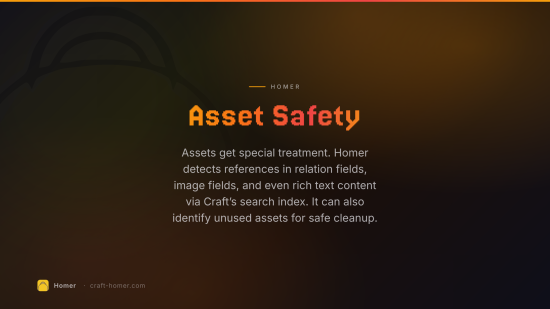
Assets get special treatment. Homer checks:
- Relation field references (asset fields, image fields)
- Rich text / CKEditor content references via the search index
- Unused asset detection for cleanup
Audit Log
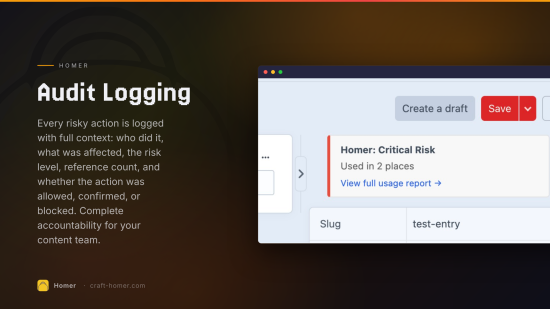
Every risky action is logged with:
- What action was taken (delete, disable)
- Which element was affected
- Who performed the action
- Risk level and reference count at time of action
- The decision (allowed, warned, confirmed, blocked)
Logs are retained for a configurable number of days (default: 90).
CP Integration
Homer adds to the Craft control panel:
- Warning modals before dangerous deletions with risk badges, usage breakdowns, and typed confirmation
- Usage badges on element edit pages showing incoming reference counts
- Homer section in the CP sidebar with a dashboard and audit log
- Homer Safety utility with orphaned entry finder, unused asset review, and recent high-risk actions
Permissions
| Permission | Description |
|---|---|
| View impact reports | Access usage and impact report pages |
| Bypass safety warnings | Proceed past warnings without restriction |
| Bypass deletion blocks | Override block mode (use carefully) |
| View audit log | Access the audit log |
| Manage Homer settings | Change plugin configuration |
Requirements
- Craft CMS 5.3.0 or later
- PHP 8.2 or later
Installation Instructions
To install this plugin, copy the command above to your terminal.
Reviews
This plugin doesn't have any reviews.
Active Installs
10
License
Craft
Last release
July 19, 2026
Activity (30 days)
0
Closed Issues
0
Open Issues
0
Merged PRs
0
Open PRs