 SEO & Accessibility
 AI
AI Localization
 Ecommerce
 Forms
Forms Fields
 Development
 Security
 Templating
 Performance
 Control Panel
 Widgets
 Assets
 Utilities
 Mailer Adapters
 Social Networking
 Integrations
Matrix Block Anchor

"Can you send them straight to the pricing bit?"
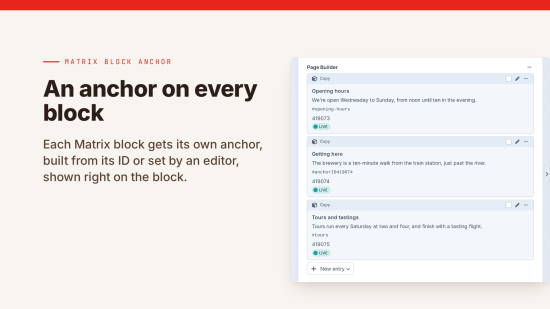
An editor wants to link to one block partway down a long page: the opening hours, the pricing table, a question in the FAQ. Matrix gives blocks no anchor an editor can see or copy, so they send the link to the top of the page and hope, or they go asking a developer.
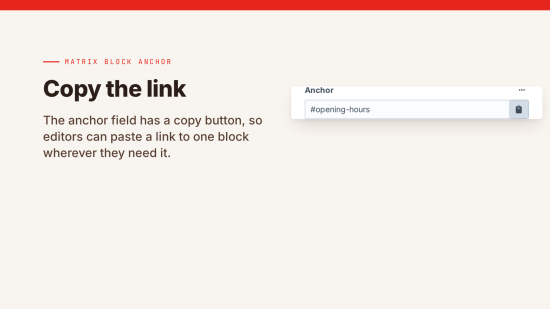
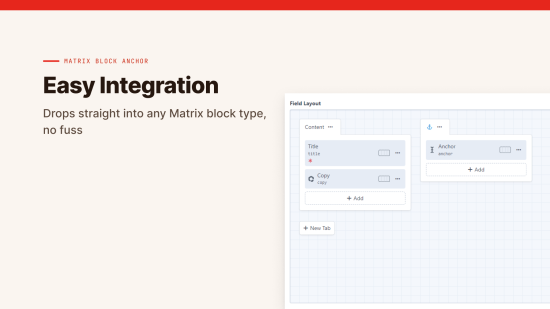
Add the Matrix Block Anchor field to your block entry types, output it as the id in your template once, and every block has an anchor. Editors press the copy button beside it and paste the link wherever they need it.

Readable anchors when you want them
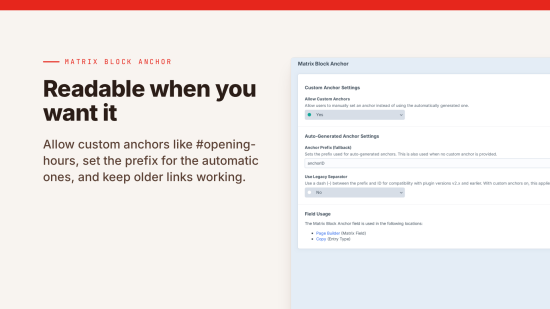
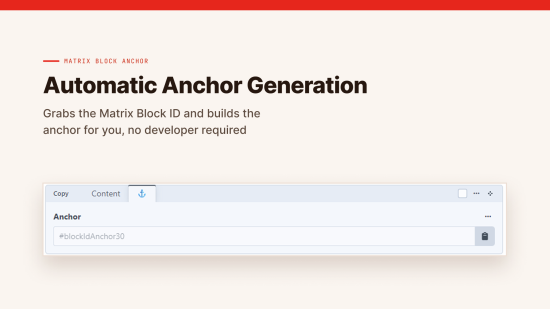
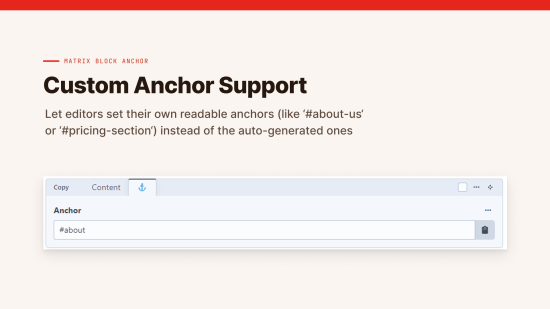
By default the anchor is built from the block's ID, so there's nothing for anyone to fill in. If you'd rather have anchors people can read, turn on custom anchors and editors can type their own, like #about-us or #pricing.
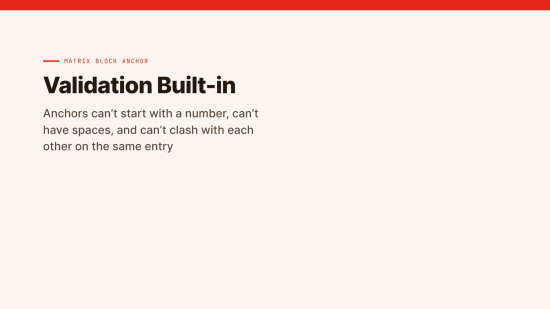
Each custom anchor is checked when the entry is saved. It has to start with a letter, use only letters, numbers, hyphens and underscores, and be different from every other anchor on the entry. If it isn't, the error shows under the field so the editor can sort it out themselves. A block left blank falls back to its automatic anchor.
Upgrading and moving blocks
Automatic anchors come from the block's ID, so moving blocks around the page doesn't change them. If you're upgrading from a version before 3.0, the legacy separator setting keeps your old #blockIdAnchor-123 links working.
What's in it
| Feature | What it does |
|---|---|
| Automatic anchors | On every block, built from its ID |
| Custom anchors | Editors can set their own, when you allow them |
| Copy button | Works with a keyboard, on revisions, and for people who can only view the entry |
| Card previews | Anchors show in them |
| Validation | Each custom anchor has to be valid and unique on the entry |
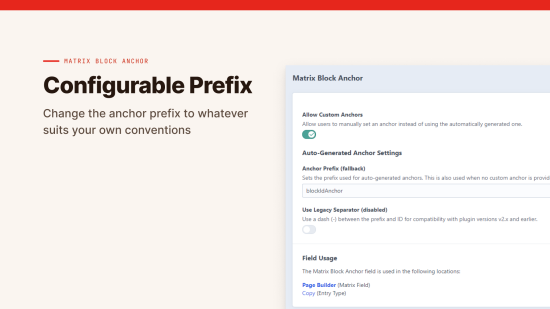
| Prefix | Change the default blockIdAnchor from the settings or an environment variable |
| Field Usage | A list of where the field is used |
Matrix Block Anchor is free. It needs Craft CMS 5 and PHP 8.2 or later.
Accessibility
What's been checked, and anything that still needs work, is in the accessibility statement.
To install this plugin, copy the command above to your terminal.
This plugin doesn't have any reviews.