 SEO & Accessibility
 AI
 Localization
 Ecommerce
 Forms
 Fields
 Development
 Security
 Templating
 Performance
 Control Panel
 Widgets
 Assets
 Utilities
 Mailer Adapters
 Social Networking
 Integrations

Slug Equals Title
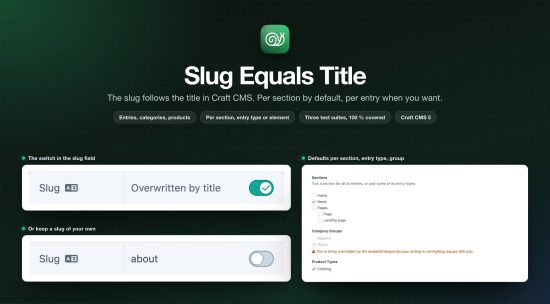
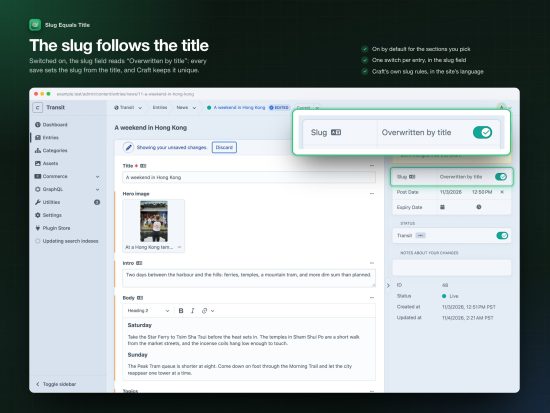
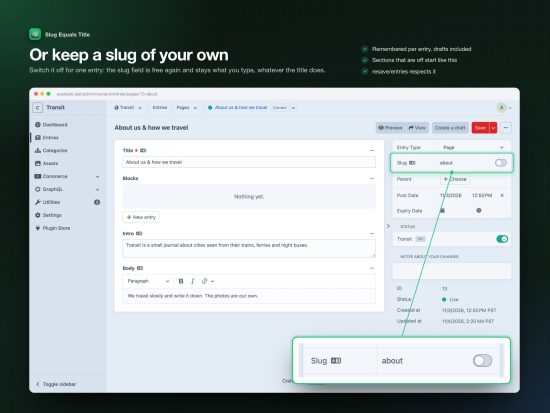
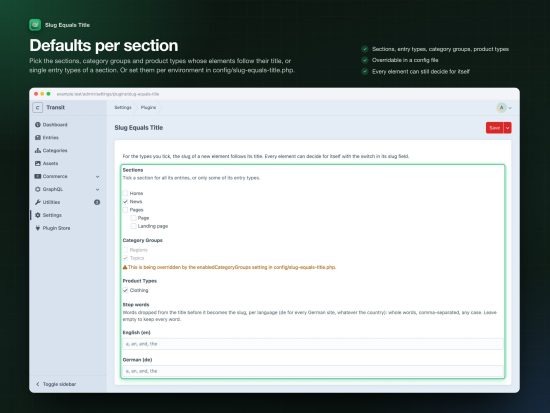
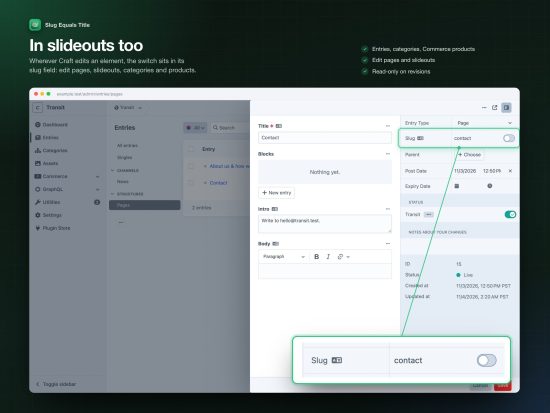
Craft fills in the slug once, when an entry is new. Rename the entry later and the slug stays behind. Slug Equals Title keeps the two together: for the sections, category groups and product types you pick, every save sets the slug from the title. Each entry has a switch in its slug field to keep a slug of its own.
What you get
- A switch in the slug field. A native Craft lightswitch next to the slug input of entries, categories and Commerce products, on edit pages and in slideouts. While it is on, the slug input is locked and shows the slug the title will get, as you type.
- Defaults per type. Tick the sections, category groups and product types in the settings, or only some entry types of a section. Or set them per environment in
config/slug-equals-title.php. - Remembered per element. The switch is stored with the element, so
resave/entriesand other console saves do what the editor decided. Drafts take the choice of their entry. - Craft’s rules. Slugs are made the way Craft makes them for new entries: the site’s language,
limitAutoSlugsToAscii, and a unique URI when two titles collide. - Stop words, optional. List words per language and they fall out of the slug: “A weekend in Hong Kong” →
weekend-hong-kong. Off until you list them. - Nothing else is touched. Elements switched off, revisions, Matrix blocks and elements without a title keep their slug.
Tested
Three test suites on every push, on PHP 8.2 and 8.3, MySQL and PostgreSQL: the console, the control panel over HTTP, the control panel in a real browser. 100 % code coverage.
Requirements
Craft CMS 5.0 or later. For Craft 4 use version 2.x, for Craft 3 version 1.x.
Standard
Plus $5/year after one year.
Installation Instructions
To install this plugin, copy the command above to your terminal.
Reviews
This plugin doesn't have any reviews.
Active Installs
440
License
Craft
Last release
November 4, 2026
Activity (30 days)
3
Closed Issues
0
Open Issues
4
Merged PRs
0
Open PRs