 SEO & Accessibility
 AI
AI Localization
 Ecommerce
 Forms
Forms Fields
 Development
 Security
 Templating
 Performance
 Control Panel
 Widgets
 Assets
 Utilities
 Mailer Adapters
 Social Networking
 Integrations
SmartLink Manager
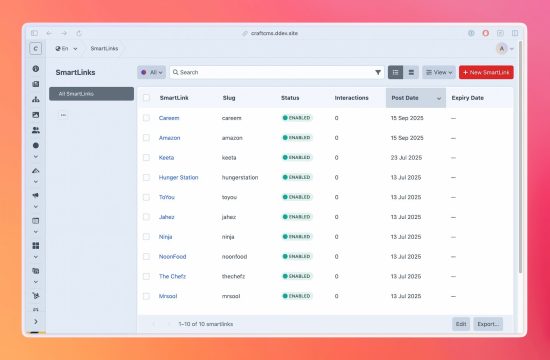
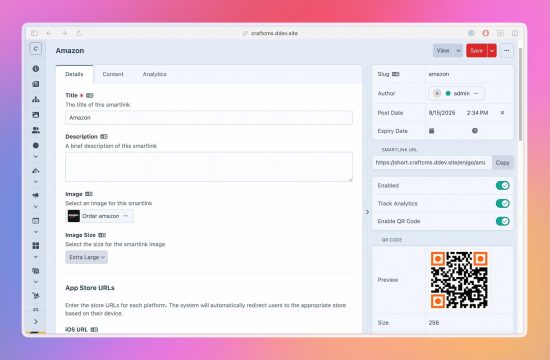
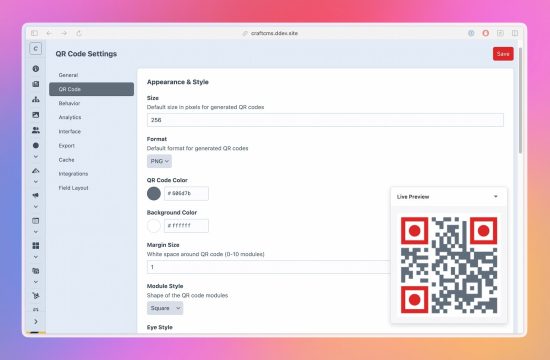
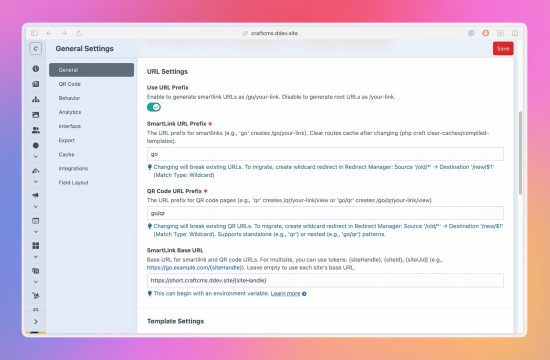
SmartLink Manager turns Craft into a self-hosted smart-link hub for app downloads, QR campaigns, and device-aware journeys. Create one managed URL, configure platform-specific and localized destinations, and let SmartLink Manager route visitors automatically based on device, operating system, and language.
It is built for owned-channel app and campaign links: website "download app" buttons, retail or print QR codes, multilingual download pages, product landing pages, email links, SMS links, and content workflows where editors should manage the link inside Craft.
Not a mobile attribution SDK. SmartLink Manager does not replace Branch, AppsFlyer, Adjust, or other SDK-backed mobile measurement platforms. It gives Craft projects a focused, self-hosted smart-link workflow when install attribution, deferred deep linking, and ad-network measurement are not the job.
Device-aware routing
- Platform destinations - configure iOS, Android, Huawei AppGallery, Amazon Appstore, Windows, Mac, and fallback URLs.
- Safe fallback behavior - unknown devices and unconfigured platform URLs fall back predictably.
- Huawei and Amazon fallback - use Android when a platform-specific destination is not configured.
- Matomo device detection - identify platform, device type, OS, browser, and bot/client signals.
- One managed public URL - keep campaigns simple while routing each visitor to the right destination.
Language-aware routing
- Localized URL mappings - send visitors to language-specific destinations when needed.
- Browser language detection - use
Accept-Languageas the primary language signal. - IP language fallback - use geo detection when enabled.
- Combined routing mode - resolve localized URLs alongside platform routing.
QR journeys
- Dynamic QR codes - update destinations without reprinting campaign material.
- PNG and SVG output - download QR codes for print, web, and email.
- Brand styling - control colors, module styles, eye styles, margins, and size.
- Logo overlay - add a logo while preserving QR readability settings.
- Display pages and data URIs - embed QR codes in templates or share dedicated QR pages.
- File or Redis caching - keep generated QR output responsive.
Analytics
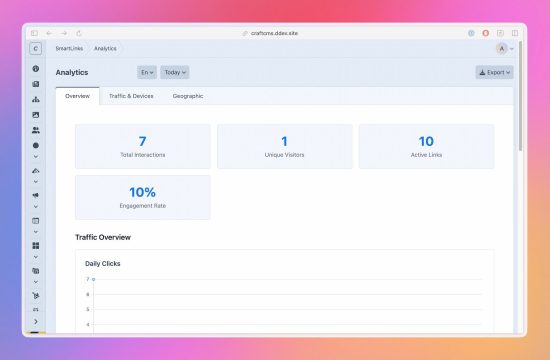
- Click and scan reporting - track redirects, QR scans, and SEOmatic button events.
- Unique visitor analytics - hash visitor IPs with a site-specific salt and optional anonymization.
- Device, location, and language breakdowns - review device type, OS, browser, country, city, language, referrer, click type, and site.
- Date-range dashboards and widgets - monitor performance inside the Craft Control Panel.
- CSV, Excel, and JSON exports - share analytics with clients or campaign teams.
- Retention cleanup - keep analytics data within the project's policy.
Craft-native management
- SmartLink elements - manage smart links in a native Craft element index.
- Lifecycle controls - use enabled, pending, and expired states for campaign timing.
- Multi-site destinations - manage site-specific URLs under one shared slug.
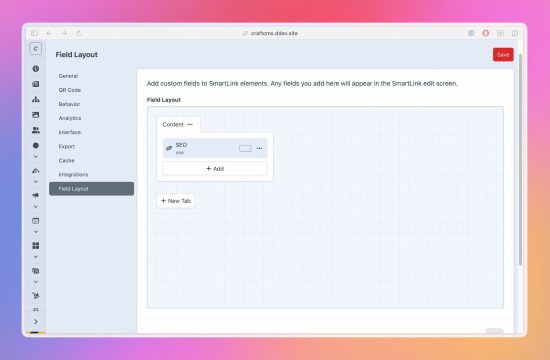
- Fields and layouts - attach custom fields to SmartLink elements and use the SmartLink field on entries.
- Import/export - preview CSV imports, map columns, keep import history, and export link data.
- Granular permissions - control who can view, edit, import, export, and manage settings.
Integrations
- Redirect Manager - preserve old smart-link slugs when they change.
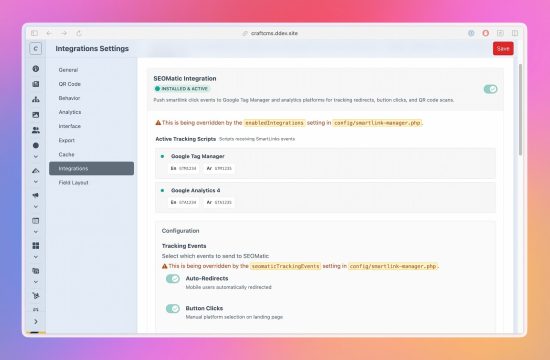
- SEOmatic - push GTM/GA4 data layer events for redirects, QR scans, and tracked button clicks.
- Craft Link field - let editors select SmartLinks anywhere Craft's native Link field is used.
- Twig and element queries - render and query SmartLinks from templates.
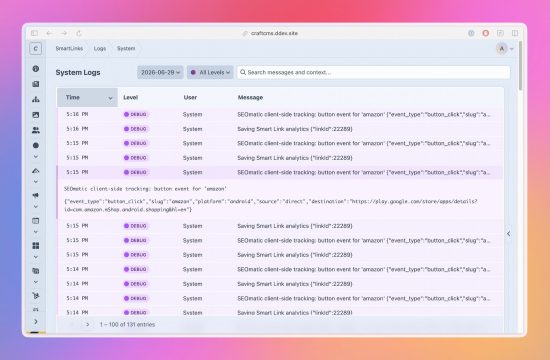
- Dedicated logging - daily log files with an optional Control Panel viewer through Logging Library.
Localized interface
The plugin's own Control Panel is fully translated into 12 languages: Arabic, Danish, Dutch, English, French, German, Italian, Japanese, Norwegian, Portuguese, Spanish, and Swedish.
Standard
Plus $29/year after one year.
To install this plugin, copy the command above to your terminal.
This plugin doesn't have any reviews.