 SEO & Accessibility
 AI
AI Localization
 Ecommerce
 Forms
Forms Fields
 Development
 Security
 Templating
 Performance
 Control Panel
 Widgets
 Assets
 Utilities
 Mailer Adapters
 Social Networking
 Integrations
Translation Manager
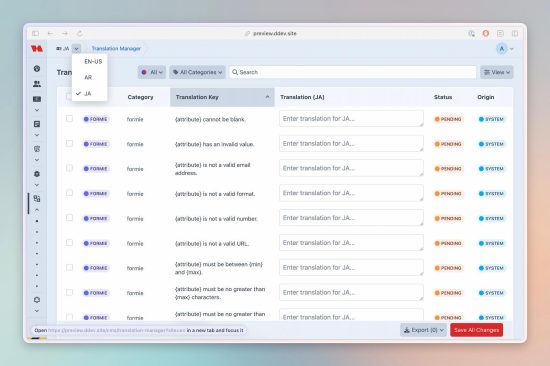
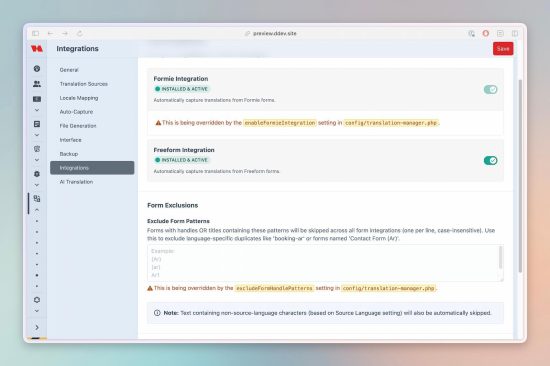
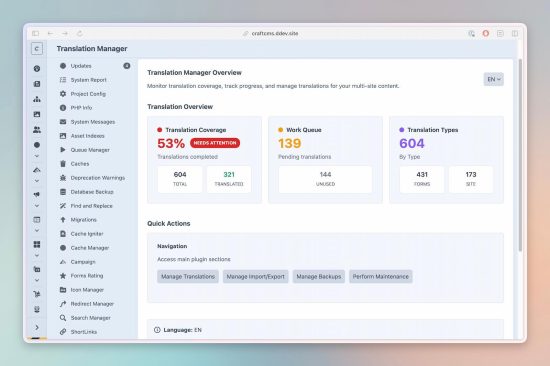
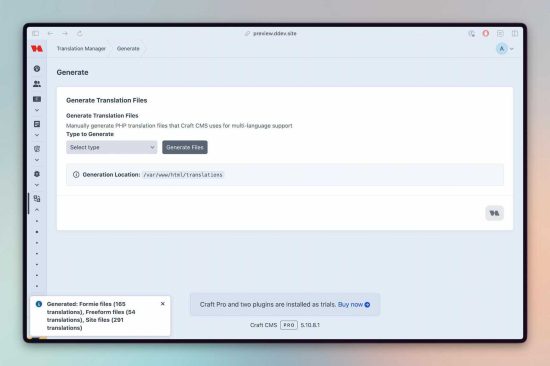
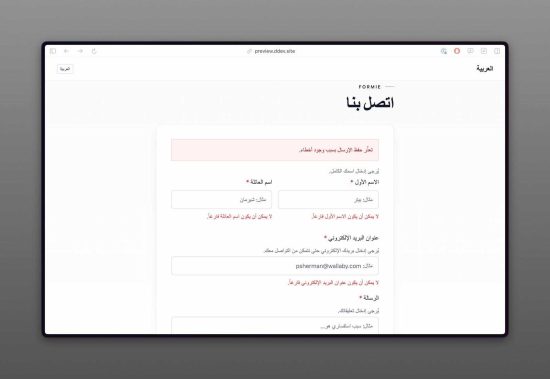
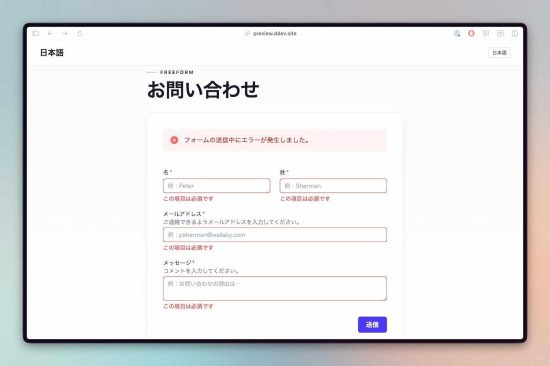
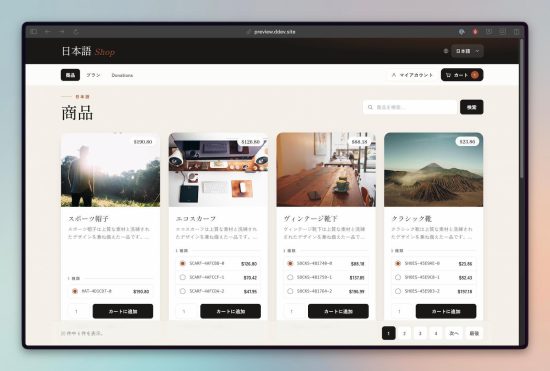
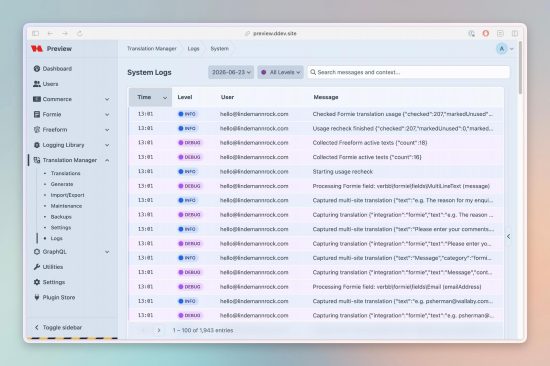
Translation Manager translates your Formie and Freeform forms automatically — field labels, options, placeholders, buttons and messages — alongside your own template copy, Control Panel labels, and other plugins' frontend strings, across every language you support. Strings are captured as they're used, translated by your team in the Control Panel, and compiled into the production PHP files Craft loads at runtime. Non-developers manage translations; developers keep working in templates.
Translation Manager was built from real multilingual Craft project work, where form strings, template copy, PHP language files, imports, exports, review status, and generated translation files all needed one reliable workflow.
Translations are keyed by language, so sites that share a language share a translation — and regional variants (en-US, en-GB) can be consolidated onto a base locale to cut duplication.
What it translates — and what it doesn't. Translation Manager localizes the strings around your content: Formie and Freeform form fields, template text (
|t()), Control Panel and UI labels, and other plugins' frontend strings. It is not an entry/content translator — your editorial content (entries, fields, sections, Matrix) lives in Craft's native multi-site model, one set of content per site, and Translation Manager doesn't touch it. Think of it as the layer that localizes everything except the page content your authors type.
Formie & Freeform translation
Translating multilingual forms by hand is where teams lose the most time — Translation Manager makes it automatic. This is what sets it apart.
- Built-in form provider support — automatically capture field labels, options, placeholders, buttons and messages from Formie and Freeform, the moment a form is saved.
- Re-capture on demand — re-read your forms after edits to pull in any new strings.
- Native-translation aware — respects each plugin's own per-site translations and fills the gaps.
- Per-provider files — generate
formie.php/freeform.phptranslation files for production.
Capture & manage
- Automatic capture — when enabled, new strings are stored the moment a
|t()call hits text that isn't translated yet (with a devMode-only safeguard to keep production fast). - One unified list — every translation in a single searchable, filterable screen. Filter by status, type (Forms / Site), origin (Manual / Import / System), and free-text.
- Smart deduplication — each unique string is stored once, no matter how many forms or templates reuse it.
- Skip patterns — exclude noise (field-name fragments, IDs) from capture.
- RTL support — full right-to-left editing for Arabic, Hebrew and more, with automatic text direction.
- Keyboard-friendly — inline editing, Save All (⌘/Ctrl+S), and optional auto-save.
Translation workflow
- Approval workflow — require sign-off so editors save as Draft and approvers publish as Translated, with reviewer and timestamp recorded.
- Statuses & origins — see at a glance what's Pending, Draft, Translated or Unused, and where each string came from.
- Audit columns — track who edited, who reviewed, and when.
- Source language — declare the language your
|t()keys are written in; that language is treated as already translated, so it never clutters your queue.
Import / Export
- CSV import — a guided upload → column-mapping → preview → confirm flow, with new/updated/skipped counts before anything is written.
- Export to CSV, Excel or JSON — the full filtered set, or just the rows you select.
- PHP file import/export — bring existing translation files (including other plugins' frontend strings) under management, and write production-ready files back out.
- Import history — every import logged with who, when, counts, and a link to its pre-import backup.
Generation & runtime
- Production PHP files — generate the files Craft loads at runtime, automatically on save/import or on demand (all, per language, per category, or per form provider).
- Choose your runtime source —
php-filesfor standard hosting,hybridfor edge/split-runtime setups (DB rows with PHP fallback), ordatabasefor a fully DB-owned category. - Locale mapping — consolidate regional variants onto base locales.
Maintenance
- Capture, Cleanup, and Danger tools — scan templates for unused strings, clean unused rows by type/language/category, remove orphaned generated files, and (carefully) clear translations in bulk.
- Backed up first — every destructive action takes an automatic backup when backups are enabled, so cleanup is never one-way.
Backups & restore
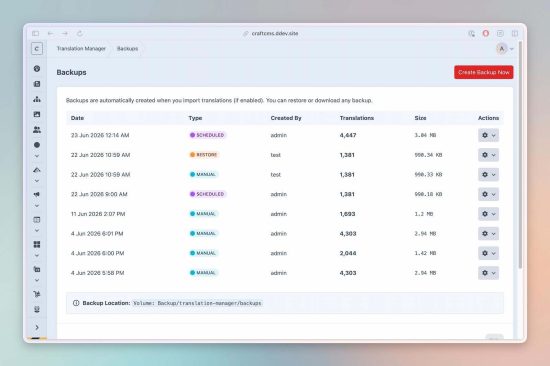
- Manual and scheduled backups — daily/weekly/monthly, with configurable retention.
- Cloud storage — store backups on S3, Servd, or Wasabi via a Craft asset volume.
- One-click restore & download — roll back or hand a portable ZIP to another environment.
Monitoring
- Statistics utility — a Control Panel Utilities panel showing translation coverage by language, the pending/unused work queue, and the Forms/Site split.
Security
XSS escaping, CSRF validation, path-traversal and symlink-attack prevention, CSV-injection guards, and malicious-content detection on import.
For developers & headless
- GraphQL — read-only translation catalog and single-key lookup queries for headless frontends.
- Twig API — template variables for languages, counts, providers, and source-aware UI.
- Console commands — capture, generate, import, maintenance and backup operations for CI and automation.
- Granular, source-based permissions — per-source capture/generate/delete control, plus edit/approve/import/export/backup/maintenance gates.
- Dedicated logging — per-day log files with an optional Control Panel viewer (via Logging Library).
Localized interface
The plugin's own Control Panel is fully translated into 12 languages: Arabic, Danish, Dutch, English, French, German, Italian, Japanese, Norwegian, Portuguese, Spanish, and Swedish.
Standard
Plus $19/year after one year.
To install this plugin, copy the command above to your terminal.
This plugin doesn't have any reviews.