 SEO & Accessibility
 AI
AI Localization
 Ecommerce
 Forms
Forms Fields
 Development
 Security
 Templating
 Performance
 Control Panel
 Widgets
 Assets
 Utilities
 Mailer Adapters
 Social Networking
 Integrations
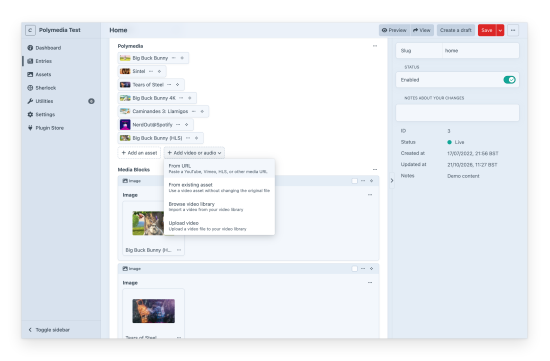
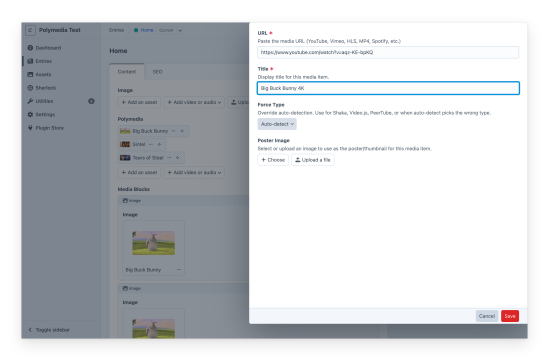
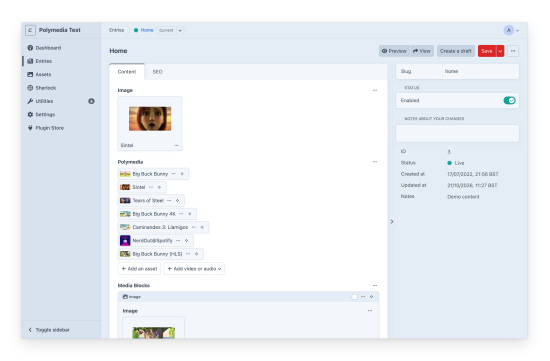
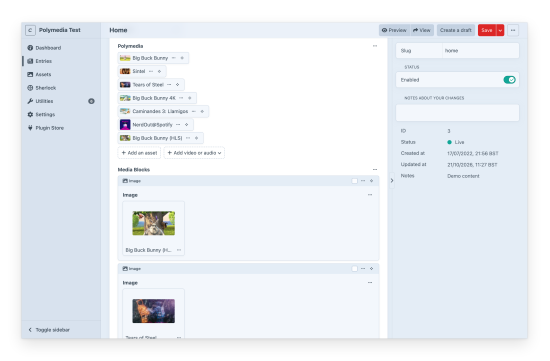
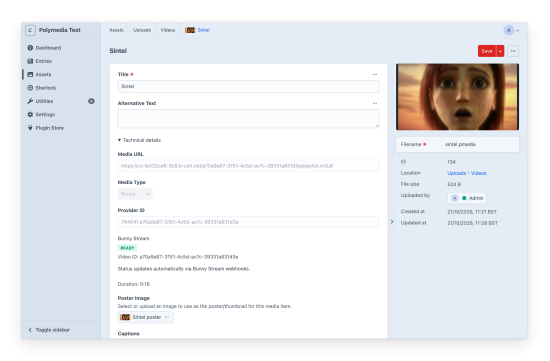
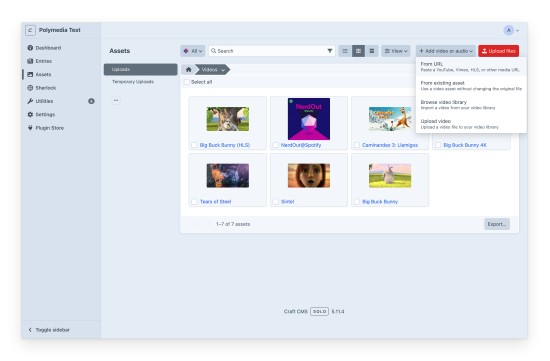
Polymedia turns media URLs into native Craft assets. Paste a YouTube link, a Spotify track, an HLS stream or the URL of a video file, and Polymedia saves a small .pmedia file in your volume. It's a real Asset element, so search, relations, permissions and eager loading work the same as for any other asset.
Sixteen URL providers work out of the box: YouTube, Vimeo, Mux, Spotify, HLS, DASH, TikTok, Wistia, JW Player, Twitch, Cloudflare Stream, Shaka, PeerTube, Video.js, MP4 and WebM files, and audio. Polymedia detects most of them from the URL.
Add video or audio where editors work
The Add video or audio menu sits on the field itself, between Add an asset and Upload a file. It's also on the Assets index and in asset pickers. Choose From URL to paste a link, or From existing asset to use a video that's already in Craft without copying it.
From a field, the new item goes to the field's upload location and is selected straight away, in Matrix blocks and slideouts too. The menu only offers what the field's Allowed Providers setting accepts.
Each item keeps its poster and its caption, subtitle and description tracks together, in a sidecar volume that stays out of normal asset browsing.
Render it your way
You don't have to render anything. Read the data in Twig with craft.polymedia.data(asset) or asset.getData(). Headless sites can query the polymedia field on GraphQL assets, which is off until you enable it for a schema.
When you want a player, it's one Twig call: craft.polymedia.player(asset) or asset.getPlayer(). The default renderer outputs Media Chrome markup with each provider's web component, so there are no iframes or embed codes to manage. Video.js v10 is available as an opt-in engine, and the children option lets you build your own control bar.
The field
The Polymedia field extends Craft's Assets field. Min and max limits, element conditions and eager loading work as usual, and you can restrict which providers it accepts. Ordinary Assets fields can hold .pmedia items too, next to images and uploaded videos.
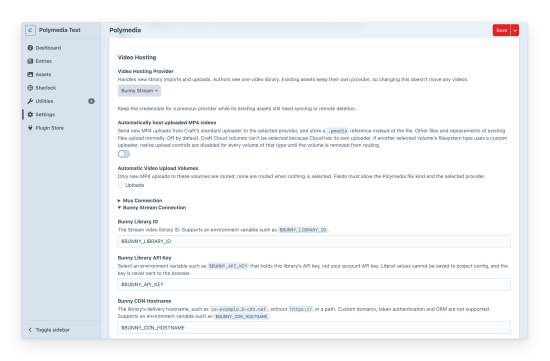
Pro: your Mux or Bunny Stream library in Craft
Lite is free and complete for URL media, and pasting a Mux stream URL never needs Pro. Pro is for teams that host video on Mux or Bunny Stream and want editors to stay in the control panel.
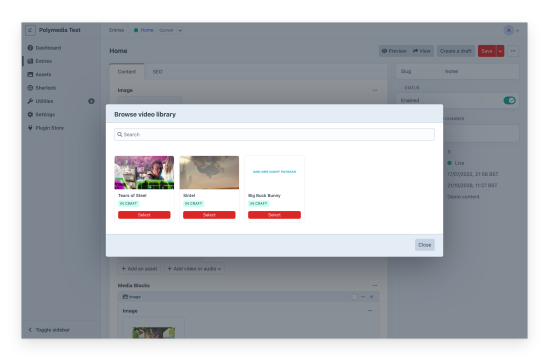
- Browse and search your video library from the same menu. Videos already in Craft carry an "In Craft" badge, and importing one twice reuses the existing item.
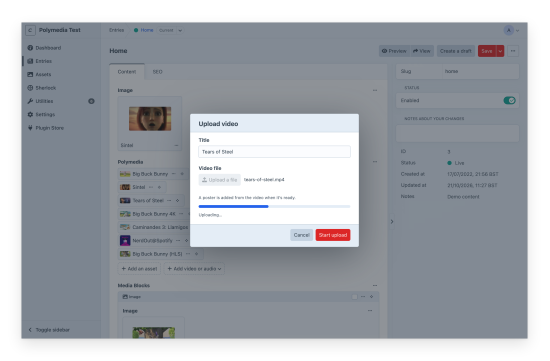
- Upload a video straight from the browser to your provider. Bunny uploads retry after a dropped connection. The
.pmediaappears once the provider finishes processing. - Opt in to automatic MP4 hosting for chosen volumes. New MP4s from Craft's own uploader go to your provider and come back as
.pmediaitems. - Get posters from the provider, fetched in the queue while the video encodes. A poster an editor picks always wins.
- Choose HLS or MP4 playback per provider, and override it per template.
- Keep status, duration, renditions and posters current with signed webhooks or the sync commands.
- Optionally delete the provider's video when its
.pmediais permanently deleted. It's off by default, and trashing an asset never deletes anything.
Mux and Bunny Stream charge for their own services, separately from the Pro license.
Lite
Pro
Plus $19/year after one year.
To install this plugin, copy the command above to your terminal.