 SEO & Accessibility
 AI
AI Localization
 Ecommerce
 Forms
Forms Fields
 Development
 Security
 Templating
 Performance
 Control Panel
 Widgets
 Assets
 Utilities
 Mailer Adapters
 Social Networking
 Integrations
Super Favourite
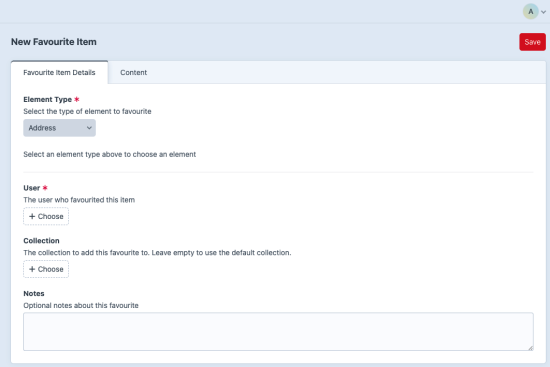
Super Favourite for Craft CMS 5
Super Favourite adds wishlist-style favourites to Craft CMS. Users can save Craft elements into collections, keep personal or global lists, add notes, and manage favourite data from the Control Panel or templates.
Features
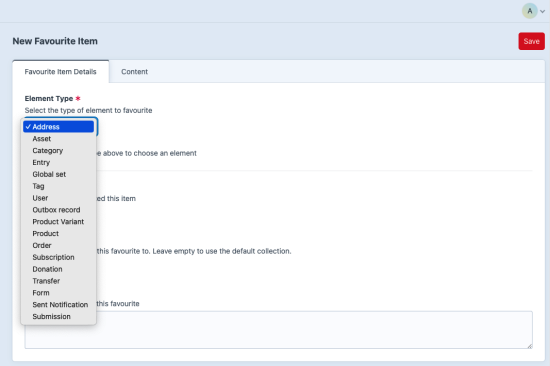
- Favourite Craft elements such as entries, assets, categories, users, tags, and Commerce elements.
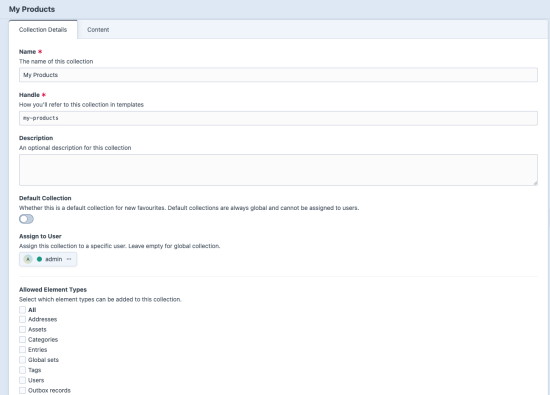
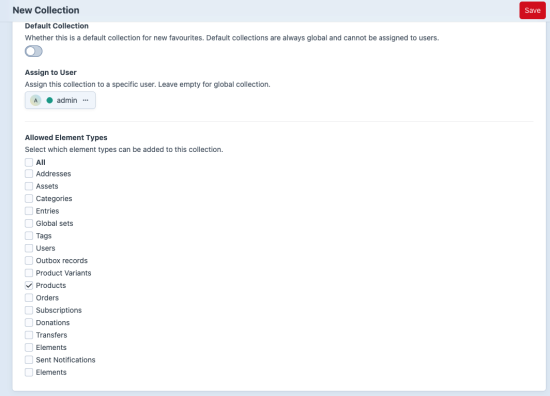
- Organize saved items into global collections or user-owned collections.
- Restrict a collection to specific element types.
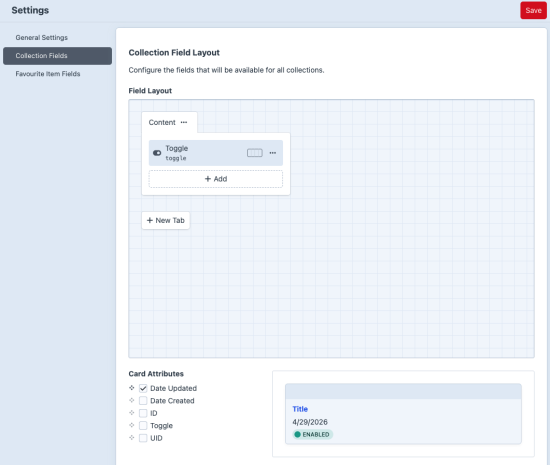
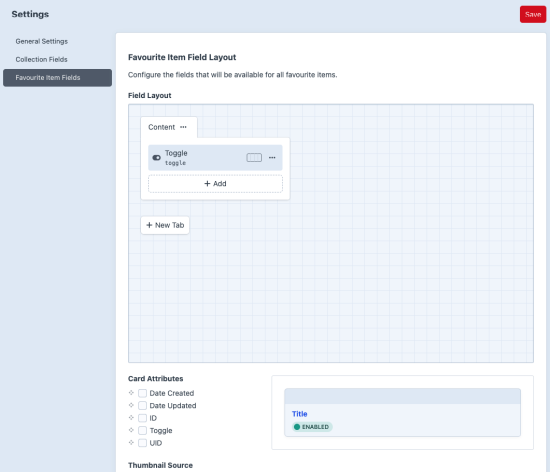
- Add custom fields to collections and favourite items.
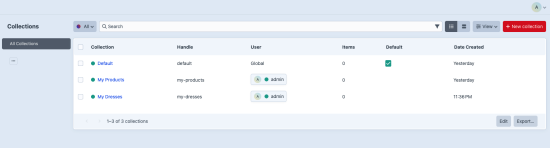
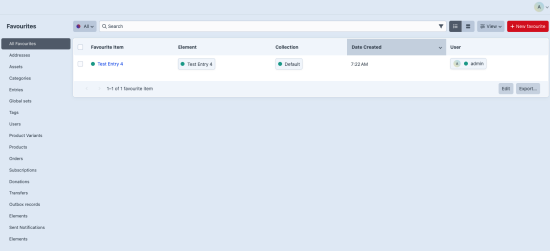
- Manage collections and favourites from the Craft Control Panel.
- Use Twig variables, element queries, frontend actions, and PHP services.
Requirements
- Craft CMS 5
- PHP 8.0.2 or newer
Installation
For local development, add the plugin your Craft project:
composer require amici/craft-super-favourite
php craft plugin/install super-favourite
You can also install it from Settings -> Plugins in the Craft Control Panel.
For the full setup flow, see the Super Favourite documentation.
Documentation
Read the full documentation at docs.amiciinfotech.com/craft-cms/super-favourite.
Local docs are also split by task:
- Documentation Home
- Installation and Setup
- Core Concepts
- Backend Guide
- Frontend Collection Forms
- Frontend Favourite Forms
- Twig Usage
- PHP API
- Routes and Actions
- Troubleshooting
Control Panel
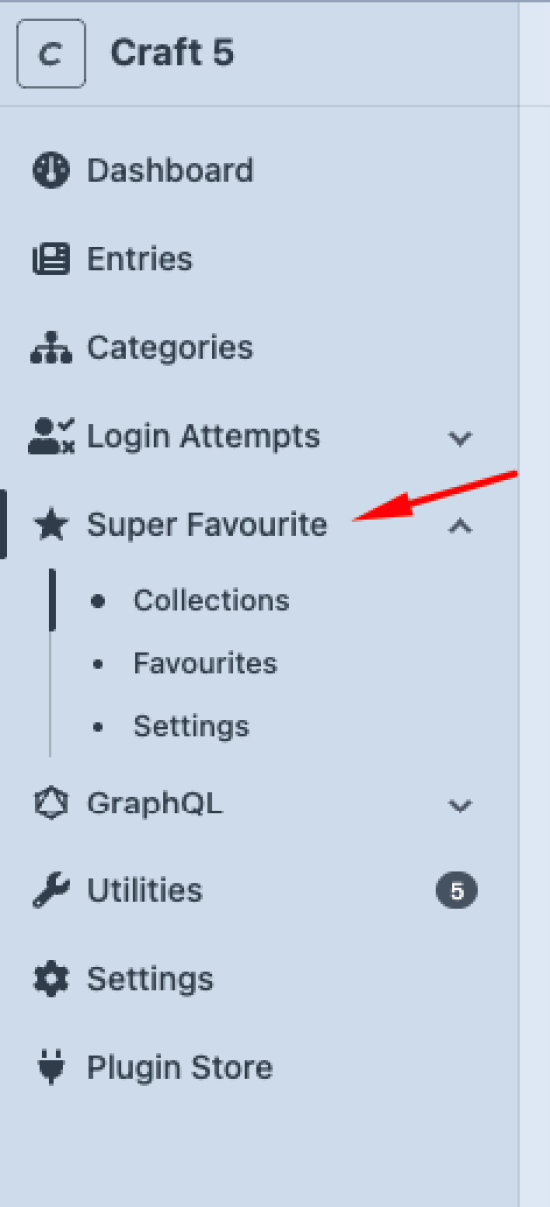
The plugin adds a Super Favourite section with:
- Collections for creating global, user, and default collections.
- Favourites for managing saved items.
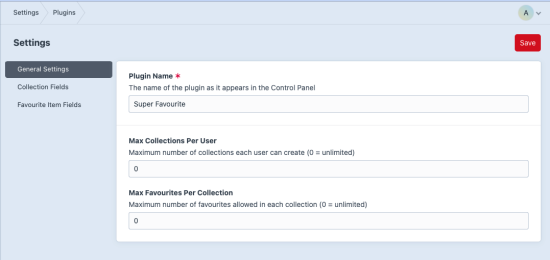
- Settings for plugin limits and field layouts.
Permissions
The plugin registers permissions for viewing and managing favourites and collections:
super-favourite:view-favouritessuper-favourite:manage-favouritessuper-favourite:view-collectionssuper-favourite:manage-collectionssuper-favourite:manage-global-collections
Standard
Plus $29/year after one year.
To install this plugin, copy the command above to your terminal.
This plugin doesn't have any reviews.